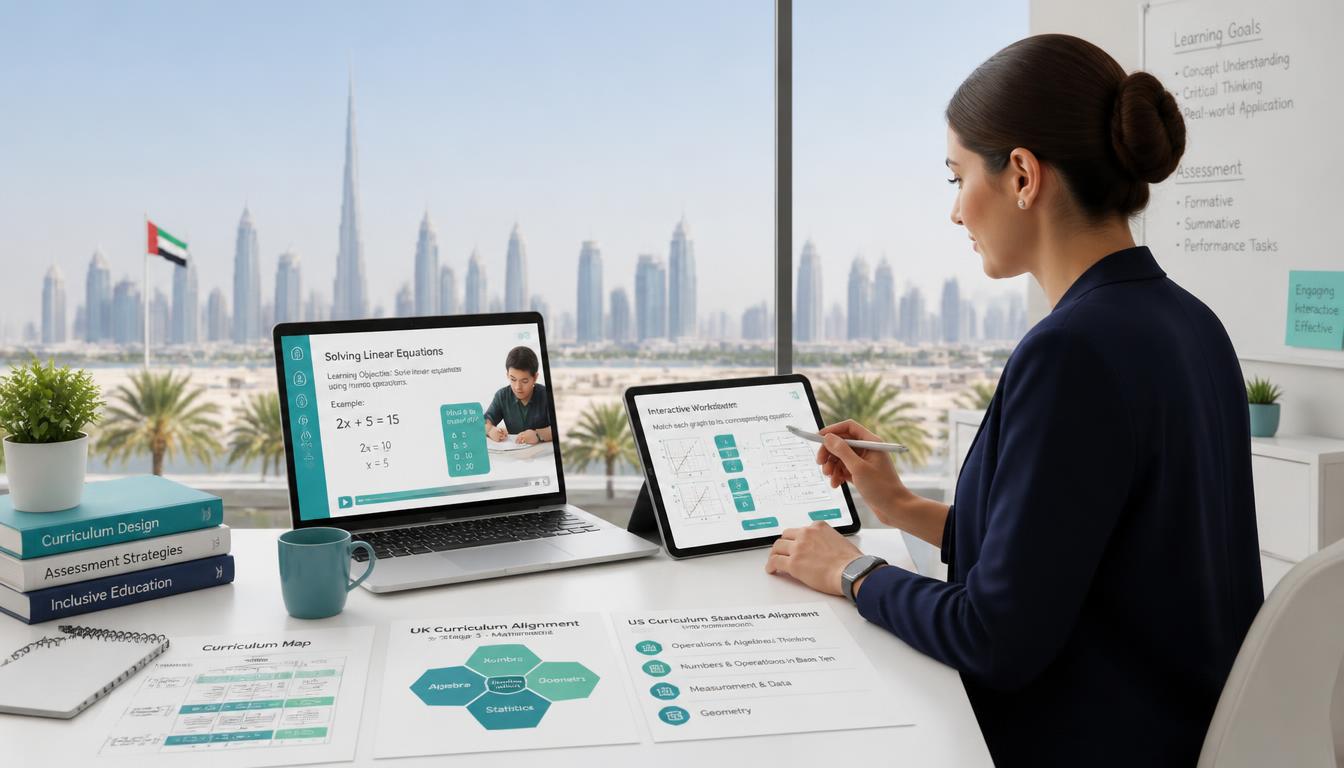


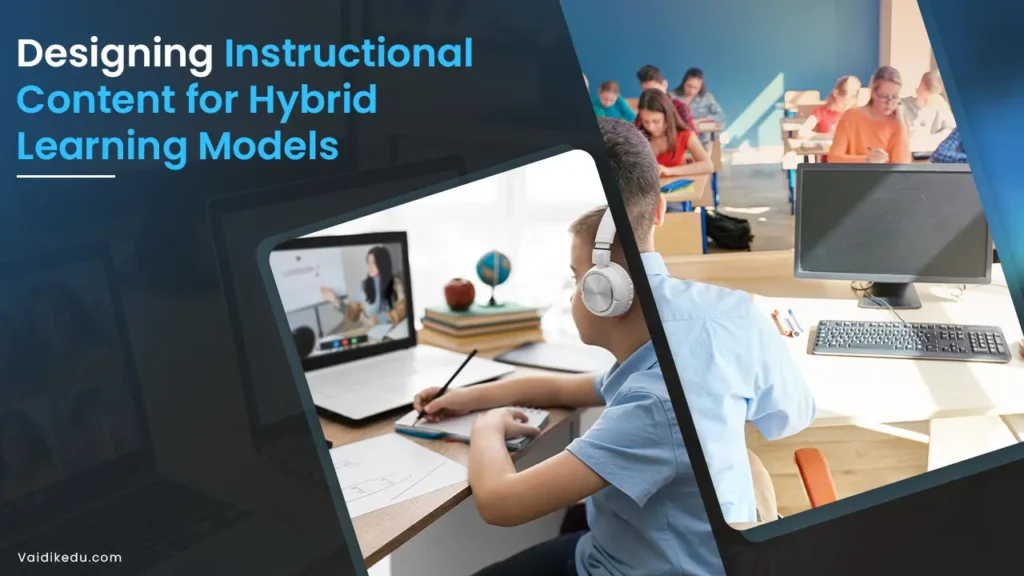
Education is no longer limited to a single classroom, textbook or teaching format. Students increasingly move between face-to-face lessons, live online sessions, digital resources, recorded content, independent practice and collaborative activities.
This has made hybrid learning an important model for schools, tutoring organisations, universities and educational platforms.
However, simply combining classroom teaching with online resources does not automatically create an effective hybrid learning experience. The quality of the instructional content matters.
Students need to know what they are expected to learn, where to find the right resources, how to participate, how to practise and how their understanding will be assessed. Teachers and tutors, meanwhile, need content that is structured, accessible, interactive and aligned with learning objectives.
Effective hybrid instructional design therefore requires more than uploading a collection of videos, PDFs and quizzes.
It requires a deliberate approach to deciding what students should learn, how they should learn it, which activities should happen online or in person, and how learning will be measured.
What is Hybrid Learning?
Hybrid learning combines face-to-face instruction with online learning experiences.
Depending on the model, students may attend some lessons physically while completing other activities online. They may participate in live virtual classes, access recorded lessons, complete digital assignments, work collaboratively through online platforms or practise independently.
Hybrid learning is closely related to blended learning, and the terms are sometimes used interchangeably. However, hybrid learning generally places greater emphasis on combining in-person and online participation within the learning experience.
The important point is that the two modes should complement each other.
The online component should not simply repeat what happens in the classroom, and the classroom component should not ignore what students have already completed online.
Instead, each mode should be used where it provides the greatest educational value.
Why Instructional Content Matters in Hybrid Learning
In a traditional classroom, teachers can provide immediate verbal instructions, answer questions and guide students through activities.
In a hybrid environment, students may spend part of their learning time away from the teacher. This makes the quality and clarity of instructional content particularly important.
Poorly organised content can leave students wondering:
- What should I study first?
- Which resource should I use?
- What am I expected to complete?
- How does this activity relate to the lesson?
- When is the assignment due?
- How will my work be assessed?
Well-designed instructional content reduces this uncertainty.
Students should be able to enter the learning environment and understand what they need to do, why they are doing it and what they should be able to demonstrate by the end.
Start With Learning Outcomes
One of the most important principles of instructional design is to begin with the learning objective rather than the technology.
Before creating a video, presentation, quiz or activity, determine what students should know or be able to do.
For example:
Weak starting point:
“Create a video explaining fractions.”
Better starting point:
“Students will be able to compare fractions with different denominators and explain their reasoning.”
Once the learning outcome is clear, the instructional content can be designed around it.
This approach also makes assessment easier because teachers can determine whether students have actually achieved the intended outcome.
Use Backward Design
A practical way to structure hybrid instructional content is to work backwards.
Start by asking:
What should students achieve?
Then determine:
How will students demonstrate that they have achieved it?
Finally ask:
What content, practice and instruction will help them get there?
For example, if the learning objective is for students to analyse a scientific experiment, the final assessment might require them to interpret experimental data and explain their conclusions.
The online component could provide background information, a short instructional video and a simulated experiment.
The live lesson could then focus on analysing the results, discussing possible explanations and solving problems.
This creates a logical connection between instruction, activity and assessment.
Understand Your Learners
The first step in designing effective content is understanding the students who will use it.
Students may differ in:
- Prior knowledge
- Academic ability
- Learning pace
- Language proficiency
- Digital literacy
- Access to devices
- Internet connectivity
- Confidence
- Motivation
- Accessibility requirements
A hybrid course designed for advanced university students may look very different from one designed for primary school students.
Teachers can gather information through diagnostic assessments, student surveys, previous performance data and classroom observations.
This information can then influence the complexity, format and pacing of instructional content.
Decide What Should Be Online and What Should Be In Person
Not every learning activity needs to happen in the same environment.
This is one of the most important decisions in hybrid instructional design.
Online learning can work well for activities such as:
- Pre-recorded explanations
- Background reading
- Independent practice
- Quizzes
- Revision
- Research
- Discussion forums
- Digital simulations
- Self-paced exercises
Face-to-face sessions may be more valuable for:
- Complex discussions
- Practical demonstrations
- Experiments
- Group problem-solving
- Immediate coaching
- Debates
- Collaborative projects
- Hands-on activities
For example, students could watch a short lesson about a physics principle before attending a practical session.
The classroom time can then be used to conduct an experiment, analyse observations and discuss unexpected results.
This is more effective than using classroom time simply to repeat information students could have studied independently.
Balance Synchronous and Asynchronous Learning
Hybrid learning generally involves both synchronous and asynchronous activities.
Synchronous Learning
Synchronous learning occurs in real time.
This could involve a classroom lesson or live online tutoring session.
These sessions are particularly useful when students need interaction, discussion, explanation or immediate feedback.
Teachers can use live sessions for:
- Question-and-answer activities
- Problem-solving
- Discussions
- Debates
- Demonstrations
- Group projects
- Feedback
- Guided practice
Asynchronous Learning
Asynchronous learning allows students to access materials and complete activities independently.
Examples include:
- Recorded lessons
- Reading materials
- Practice questions
- Assignments
- Discussion boards
- Quizzes
- Revision resources
The key is to ensure that asynchronous learning is structured.
Simply uploading twenty resources does not create meaningful
self-directed learning.
Students should know which resource to use, what to focus on and what they need to complete afterwards.
Chunk Content Into Manageable Sections
Hybrid learners can become overwhelmed when instructional content contains too much information at once.
Long videos, large documents and complicated instructions can increase cognitive load and make it difficult for students to identify the most important information.
Content should therefore be broken into manageable sections.
A long lecture could be divided into several shorter lessons, each addressing a specific concept.
A large assignment could be divided into stages such as:
Research → Plan → Draft → Review → Submit
Shorter sections make content easier to navigate and allow students to revisit specific concepts when needed.
Make Instructions Extremely Clear
Online learners cannot always raise their hand and ask what an instruction means.
Instructions should therefore be specific.
Instead of:
“Complete the activity and submit your work.”
A clearer instruction would explain:
- What students need to complete
- Which resources they should use
- How long the activity should take
- What format they should submit
- Where to submit it
- When it is due
- How it will be assesse
Clear instructions reduce confusion and allow students to work more independently.
Use Multimedia Purposefully
Hybrid learning makes it possible to present information through different formats.
Instructional content may include:
- Text
- Images
- Infographics
- Videos
- Audio
- Animations
- Interactive activities
- Simulations
- Quizzes
However, using more formats does not necessarily improve learning.
Each format should have a purpose.
A diagram may explain a biological process more effectively than several paragraphs of text.
A video may be useful for demonstrating a laboratory technique.
A quiz may help students check their understanding.
An interactive simulation may allow students to experiment with variables that would be difficult to manipulate in a traditional classroom.
The goal is to choose the format that best supports the learning objective.
Design for Accessibility
Accessibility should be considered from the beginning rather than added after content has been created.
Students may access learning materials using different devices and may have different physical, sensory, cognitive or learning needs.
Instructional content should therefore consider features such as:
- Captions for videos
- Readable fonts
- Clear colour contrast
- Alternative text for meaningful images
- Accessible documents
- Keyboard-friendly navigation
- Transcripts where appropriate
- Mobile-friendly layouts
- Clear and simple instructions
Accessibility benefits more than students with identified disabilities. Clear structure and multiple ways of accessing information can make learning easier for everyone.
Consider Mobile and Low-Bandwidth Learners
Not every student has access to a high-performance computer or fast internet connection.
Instructional content should therefore work effectively across different devices whenever possible.
Large video files, complicated interactive elements or resource-heavy platforms can create barriers for students with limited connectivity.
Providing alternatives such as downloadable notes, transcripts, compressed resources or text-based activities can make hybrid learning more accessible.
Encourage Active Learning
Students learn more effectively when they actively engage with information rather than simply consuming it.
Hybrid instructional content should therefore include opportunities to:
- Solve problems
- Answer questions
- Explain concepts
- Make predictions
- Analyse information
- Discuss ideas
- Apply knowledge
- Create something
- Reflect on learning
For example, instead of asking students to watch a twenty-minute science video and move on, a teacher could ask them to predict the outcome of an experiment before watching the explanation.
Afterwards, students could compare their prediction with the actual result and explain why they were right or wrong.
This turns passive content consumption into an active learning experience.
Build Opportunities for Collaboration
Hybrid learning does not need to mean isolated learning.
Online collaboration tools can allow students to work together even when they are not physically in the same location.
Students can collaborate through shared documents, discussion boards, virtual breakout rooms, digital whiteboards and project-management platforms.
For example, students studying environmental science could work together to investigate a local environmental issue.
One student could collect data, another could research causes, another could analyse the information and another could prepare the presentation.
The activity develops subject knowledge alongside communication, collaboration and problem-solving skills.
Use Real-World Problems and Projects
Instructional content becomes more meaningful when students can see how knowledge applies beyond the classroom.
Teachers can design hybrid projects around authentic problems.
For example:
Mathematics: Analyse household energy consumption and calculate potential savings.
Science: Investigate water quality or environmental changes.
English: Develop a persuasive campaign around a social issue.
Geography: Analyse population or climate data.
Business: Develop a basic business proposal.
Technology: Design a digital solution to a practical problem.
Students can research the topic online, discuss ideas during live sessions and submit their final work digitally.
This allows the different components of the hybrid model to work together.
Integrate Assessment Into the Learning Process
Assessment should not be limited to a final examination.
Hybrid learning provides opportunities for frequent formative assessment.
Teachers can use:
- Short quizzes
- Polls
- Exit tickets
- Practice questions
- Online discussions
- Draft submissions
- Self-assessment
- Peer review
- Projects
- Presentations
These activities provide information about student understanding before the final assessment.
If many students answer the same question incorrectly, the teacher can revisit the concept rather than moving forward under the assumption that everyone understands it.
Provide Timely and Useful Feedback
Feedback is most valuable when students can use it to improve their work.
Simply giving a score may tell a student how they performed but not necessarily how to improve.
Effective feedback should identify:
What was done well.
What needs improvement?
What the student should do next.
For example, instead of saying:
“Your essay needs more evidence.”
A tutor might explain that the student’s argument is clear but needs specific evidence from the text to support each major claim.
Digital platforms can make feedback easier to deliver through comments, annotations, recorded feedback and progress reports.
Personalise the Learning Experience
One of the major advantages of digital learning environments is the ability to provide differentiated support.
Students who already understand a concept can move toward more challenging tasks.
Students who are struggling can receive additional explanations and practice.
Personalisation can occur through:
- Different levels of practice questions
- Additional resources
- Targeted revision
- Individual feedback
- Adaptive assessments
- One-to-one tutoring
- Flexible pacing
The objective should be to give students the support they need without lowering expectations.
Use Technology as a Learning Tool, Not the Learning Objective
Technology should solve an educational problem.
Before selecting a platform or tool, teachers should ask:
What will this technology allow students to do that would otherwise be difficult?
If the answer is unclear, the technology may not be necessary.
For example, a digital simulation is valuable if it allows students to experiment with variables that cannot easily be tested in the classroom.
A collaborative document is useful when students need to work together on a project.
An online quiz is useful when teachers need quick information about student understanding.
Technology should enhance instruction rather than make it unnecessarily complicated.
Use AI Thoughtfully in Hybrid Instruction
Artificial intelligence is increasingly becoming part of digital education.
AI can support instructional design by helping educators brainstorm activities, generate practice questions, create differentiated examples, develop scenarios and provide initial feedback.
Students can also use AI for activities such as brainstorming, practising explanations or comparing different approaches.
However, AI-generated information should not automatically be treated as accurate.
Teachers should establish clear expectations around AI use and teach students to:
- Verify information
- Identify potential inaccuracies
- Recognise bias
- Protect personal information
- Cite or disclose AI assistance when required
- Explain their own reasoning
- Complete designated tasks independently
AI should support learning rather than replace thinking.
Protect Academic Integrity
Hybrid learning creates new challenges around assessment and academic integrity.
Students may have easier access to online resources, search engines and AI tools while completing assignments.
Assessment design can therefore become particularly important.
Instead of relying exclusively on take-home assignments, educators can combine different forms of assessment.
These may include:
- In-class activities
- Live questioning
- Presentations
- Draft-and-revision tasks
- Oral explanations
- Practical demonstrations
- Timed assessments
- Project work
- Reflective writing
When students are required to explain their work and demonstrate their understanding, assessment becomes less dependent on simply submitting a final document.
Build a Consistent Learning Journey
Students should not feel as though the online and face-to-face parts of a course are two unrelated experiences.
A consistent structure can help.
For example:
Before the lesson:
Students watch a short video and complete a five-question quiz.
During the lesson:
The teacher discusses common misconceptions and guides students through problems.
After the lesson:
Students complete independent practice.
Before the next lesson:
Students review feedback and attempt a short extension activity.
This creates a continuous learning cycle rather than disconnected activities.
Create a Strong Sense of Community
A hybrid learning environment can sometimes make students feel disconnected.
Community, therefore, needs to be designed intentionally.
Teachers can encourage connection through:
- Introductions
- Group projects
- Discussion forums
- Peer feedback
- Collaborative activities
- Regular check-ins
- Virtual office hours
- Student presentations
Teacher presence is also important.
Regular announcements, constructive feedback and meaningful interaction show students that someone is actively guiding their learning.
Train Teachers and Tutors
Even excellent instructional content can be ineffective if educators are not comfortable using it.
Teachers and tutors need support with:
- Digital platforms
- Online classroom management
- Hybrid lesson planning
- Assessment
- Accessibility
- Student engagement
- Digital communication
- Data privacy
- AI literacy
Professional development should therefore be treated as part of hybrid learning implementation rather than an optional addition.
Continuously Evaluate the Content
Instructional content should not be considered finished after it has been uploaded.
Educators should evaluate whether students are actually learning from it.
Useful indicators include:
- Assessment results
- Assignment completion
- Participation
- Quiz performance
- Student feedback
- Time spent on activities
- Common misconceptions
- Drop-off points
- Tutor observations
For example, if students consistently stop watching a particular video halfway through, educators can investigate whether the content is too long, unclear or poorly structured.
Continuous evaluation makes it possible to improve instructional materials over time.
Practical Hybrid Learning Example
Consider a mathematics unit on quadratic equations.
A purely traditional approach might involve a teacher explaining the concept on a board, followed by textbook exercises.
A hybrid model could distribute the learning experience across different formats.
Students could first watch a short instructional video introducing quadratic equations.
They could then complete an online diagnostic quiz to identify areas of difficulty.
During a live lesson, the teacher could work through common mistakes and guide students through increasingly complex problems.
Students could then complete individual practice exercises online.
Those who demonstrate strong understanding could attempt extension problems, while students who require additional support could receive targeted tutoring or revision resources.
The following lesson could begin with a short review of common errors identified through the online assessment.
Here, technology is not replacing teaching. It is helping the teacher understand student needs and use live instructional time more effectively.
How Vaidik Supports Hybrid Learning and Instructional Content
Vaidik Eduservices supports educational organisations with instructional content development and tutoring solutions designed to complement modern learning environments.
Its content development services can help educational organisations create structured learning materials aligned with curriculum and learner requirements. Vaidik’s approach focuses on creating educational content that is organised, learner-focused and suitable for digital delivery.
This can support organisations that need to develop or improve resources such as lesson materials, assessments, practice content and other instructional resources.
Vaidik also provides online tutoring through trained tutors and personalised academic support. Its tutoring approach focuses on understanding the student’s needs, setting learning objectives, delivering interactive instruction, checking understanding and providing feedback.
Tutor quality is supported through assessment, training, mock sessions and quality-assurance processes.
This makes tutoring a useful complement to hybrid instructional content.
For example, an educational organisation could provide students with digital learning resources for independent study while using Vaidik’s tutoring support to provide additional explanation, targeted practice and one-to-one academic guidance.
Vaidik can also support organisations that need scalable education solutions. Its services include tutor recruitment and training, curriculum alignment, scheduling, quality assurance and performance reporting.
The combination of instructional content and personalised tutoring can help create a more complete hybrid learning experience:
Digital content provides structured resources.
Live tutoring provides human interaction and explanation.
Practice activities provide opportunities for application.
Assessment identifies learning gaps.
Feedback guides improvement.
This creates a learning cycle in which students are not simply consuming content but actively learning, practising and improving.
A Practical Framework for Designing Hybrid Instructional Content
Educational organisations can use the following process when developing a hybrid course.
Step 1: Identify the Learners
Understand students’ age, prior knowledge, learning needs, digital access and academic goals.
Step 2: Define Learning Outcomes
Specify what students should know, understand or be able to do by the end of the unit.
Step 3: Decide How Learning Will Be Assessed
Determine how students will demonstrate achievement of the learning outcomes.
Step 4: Select the Learning Activities
Choose activities that allow students to develop and practise the required skills.
Step 5: Decide What Happens Online and In Person
Use each learning environment where it provides the greatest educational value.
Step 6: Develop the Content
Create videos, readings, exercises, assessments, presentations and other resources.
Step 7: Add Interaction
Include opportunities for discussion, collaboration, questioning, problem-solving and feedback.
Step 8: Make Content Accessible
Check whether resources work across devices and accommodate different learning needs.
Step 9: Monitor Progress
Use assessment and participation data to identify where students are succeeding or struggling.
Step 10: Improve Continuously
Use student and teacher feedback to revise the content and improve the learning experience.
Common Mistakes to Avoid
Hybrid learning initiatives can become ineffective when organisations focus more on technology than instructional design.
Some common mistakes include:
Uploading too much content: More resources do not necessarily mean better learning.
Repeating the same lesson online and in person: Each format should serve a distinct purpose.
Using technology without a learning objective: Tools should support learning rather than become the focus.
Ignoring accessibility: Content should be usable by students with different needs and levels of digital access.
Providing unclear instructions: Students need to know exactly what is expected of them.
Neglecting feedback: Students need regular opportunities to understand their progress.
Failing to train educators: Teachers need the skills to use hybrid environments effectively.
Ignoring student engagement: Attendance or login data alone does not demonstrate meaningful learning.
Conclusion
Designing instructional content for hybrid learning requires much more than combining classroom teaching with digital resources.
Effective hybrid learning begins with clear learning outcomes and builds a structured pathway connecting instruction, practice, interaction and assessment.
The most successful approach uses online learning where flexibility and independent practice are valuable and face-to-face or live instruction where discussion, coaching, collaboration and practical application are most effective.
Accessibility, personalisation, feedback, engagement and continuous improvement should remain central throughout the process.
Technology can provide powerful opportunities, but it is not the technology itself that creates meaningful learning.
The real difference comes from thoughtful instructional design and educators who understand how to use digital tools to support students.
With the right combination of structured content, purposeful technology, personalised tutoring and continuous feedback, hybrid learning can create a flexible and engaging educational experience that supports students both inside and outside the classroom.
Frequently Asked Questions
Hybrid learning combines in-person and online learning experiences. Instructional content must be designed to engage both on-site and remote learners equally, ensuring flexibility, accessibility, and consistent learning outcomes.
You can use interactive elements like quizzes, multimedia resources, collaborative tools (discussion boards, group projects), and adaptive learning technologies. This ensures participation from students regardless of their mode of attendance.
Common challenges include maintaining learner engagement, ensuring equal participation, addressing technology gaps, and balancing synchronous (real-time) and asynchronous (self-paced) learning activities.
Assessments should include a mix of online quizzes, group assignments, projects, and discussion-based evaluations. Clear rubrics and flexible submission methods help ensure fairness for both online and in-person learners.