

E-learning has changed how educational institutions, businesses, and learning providers design and deliver instruction.
Learners can now access courses across devices, study at different times, interact with digital resources, and receive feedback without necessarily being in the same physical classroom as their instructor.
However, moving content online does not automatically create effective e-learning.A successful e-learning curriculum requires more than uploading existing lessons to a learning management system (LMS).
Curriculum developers need to understand the learners, define measurable outcomes, structure content appropriately, design meaningful learning activities, build relevant assessments, consider accessibility, and select technology that supports the intended learning experience.
This guide explores the key practices and tools educators and curriculum developers can use to create effective e-learning curricula.
What Is E-Learning Curriculum Development?
E-learning curriculum development is the process of designing a structured learning programme specifically for digital delivery.
It includes decisions about:
- What learners need to know or be able to do
- How learning objectives will be organised
- What content and resources learners will use
- Which instructional methods will be appropriate
- How learners will practise and apply knowledge
- How learning will be assessed
- How feedback will be provided
- Which technologies and platforms will support delivery
- How accessibility and learner needs will be addressed
- How the course will be evaluated and improved
The curriculum should therefore be designed as a complete learning experience rather than as a collection of digital files.
Best Practices for E-Learning Curriculum Development
The following practices can help curriculum developers create e-learning programmes that are structured, accessible, engaging, and aligned with learning outcomes.
1. Start With Learner Analysis
Understanding the learner should be one of the first steps in curriculum development.
An e-learning course may serve students, university learners, working professionals, teachers, corporate employees, or other groups.
Their prior knowledge, goals, digital skills, available technology, language needs, and learning environments may differ considerably.
Before developing content, consider:
- Learners’ existing knowledge and skills
- Their learning goals
- Age and educational background
- Professional or academic context
- Digital literacy
- Device and internet access
- Language requirements
- Accessibility needs
- Available time for learning
- Whether the course will be self-paced, instructor-led, or blended
This information helps determine the appropriate content level, instructional approach, course structure, and technology.
2. Define Clear and Measurable Learning Objectives
Learning objectives should describe what learners will be able to do after completing a lesson, module, or course.
Avoid vague objectives such as:
Understand cybersecurity.
Instead, an objective could state:
Identify common cybersecurity risks and select appropriate preventive measures in workplace scenarios.
Clear objectives make it easier to decide what content belongs in the curriculum and what type of assessment should be used.
A useful alignment chain is:
Learning objective → Learning activity → Practice → Assessment → Feedback
When these elements support one another, learners have a clearer path through the course.
3. Map the Curriculum Before Developing Content
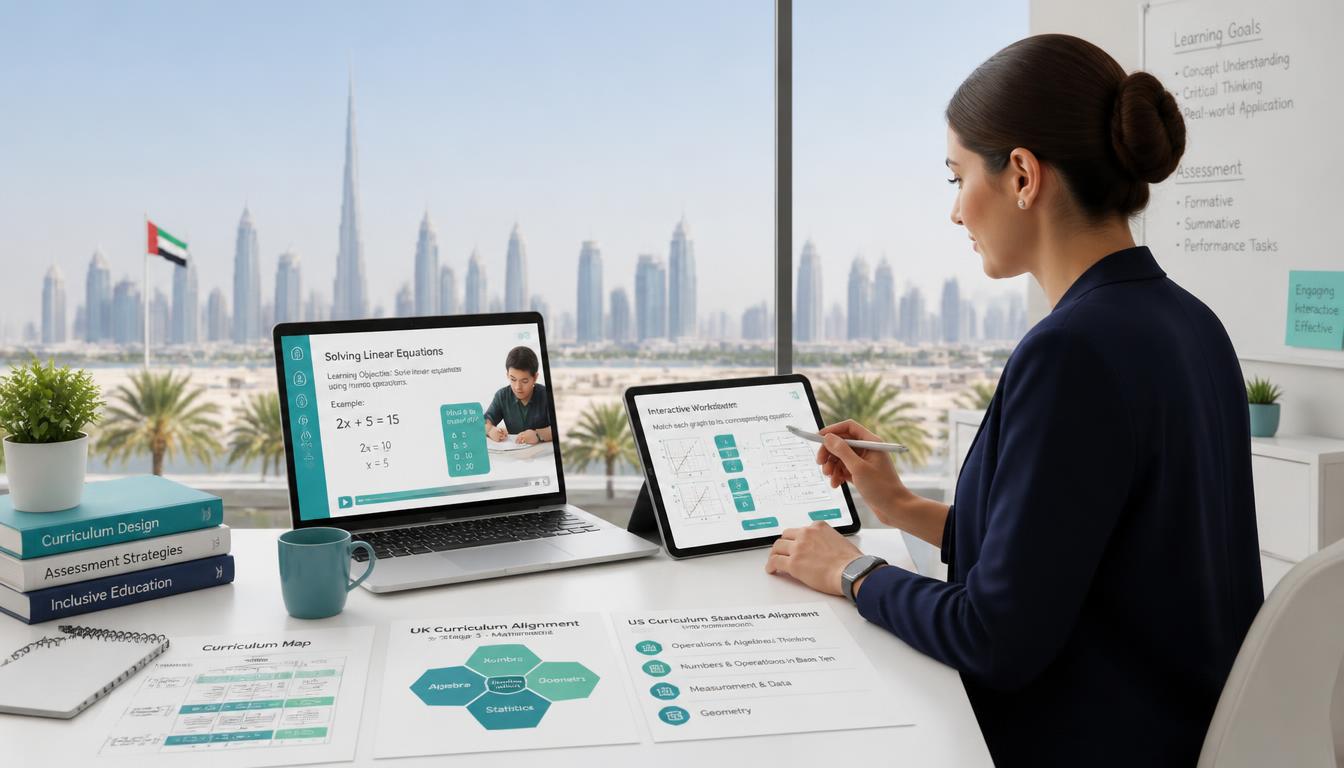
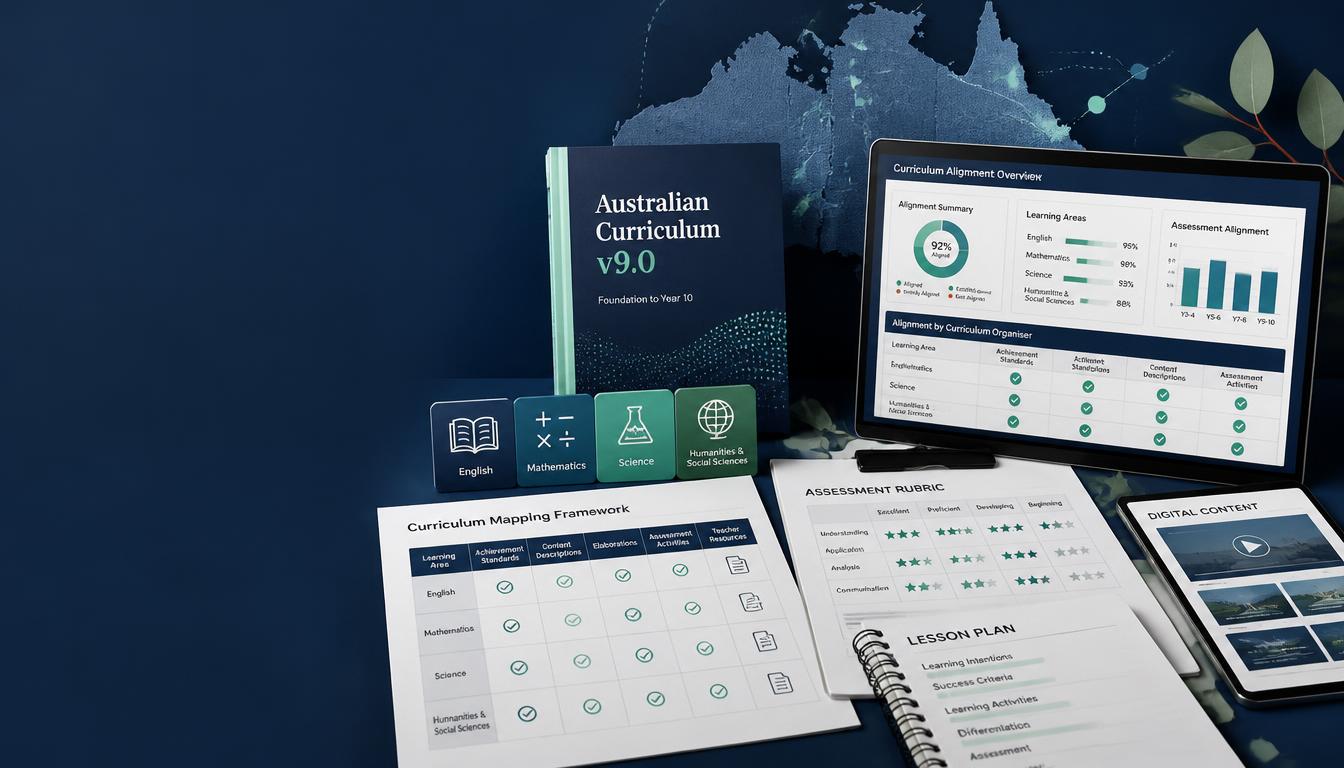
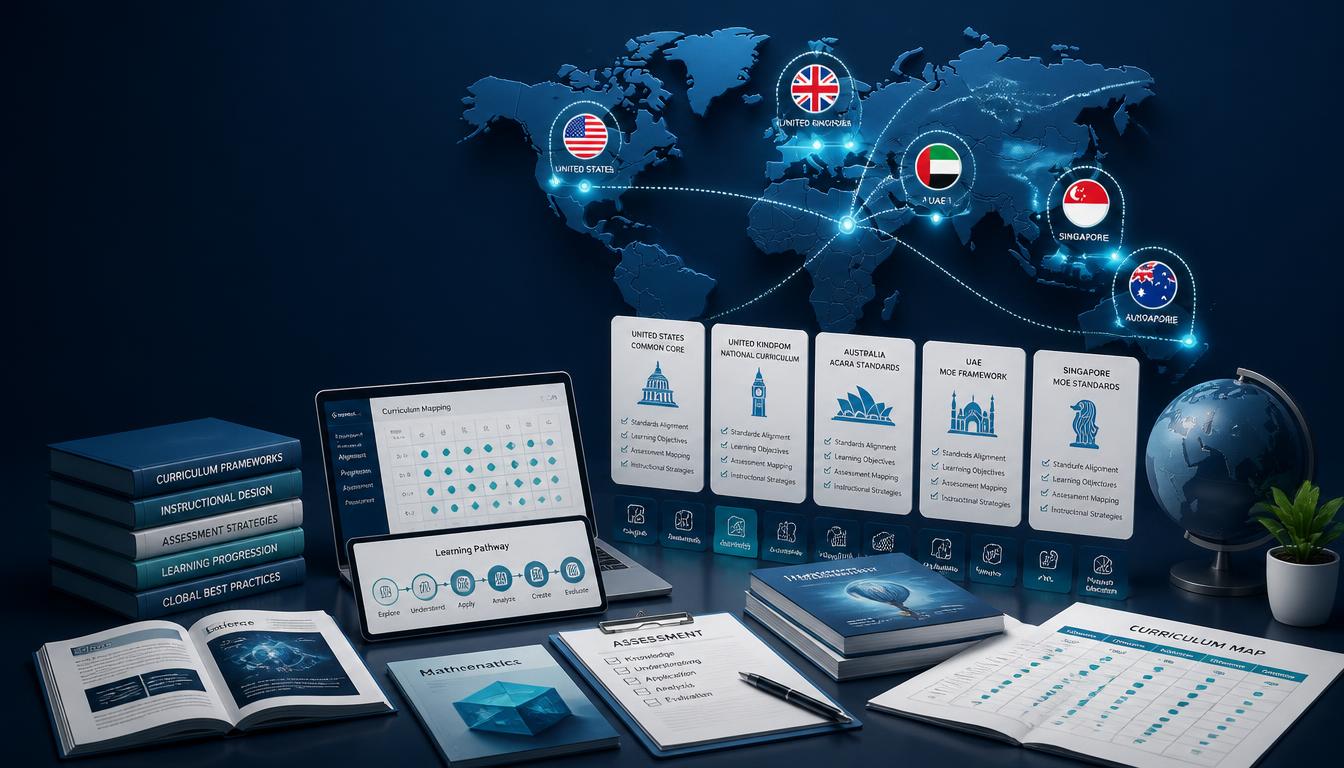
A curriculum map provides an overview of how learning objectives, content, activities, and assessments fit together.
Before producing videos, quizzes, presentations, or interactive modules, curriculum developers can identify:
- Modules and lessons
- Learning objectives
- Required knowledge
- Learning activities
- Assessments
- Prerequisites
- Supporting resources
- Estimated learning time
- Progression between topics
Curriculum mapping can also identify gaps, unnecessary repetition, and concepts that have not been adequately assessed.
This is particularly important for large e-learning programmes where multiple subject matter experts, instructional designers, writers, and developers may work on different sections.
4. Structure Content Into Manageable Learning Units
Long blocks of information can make digital learning difficult to navigate and process.
Instead of transferring a lengthy textbook chapter or classroom lecture directly into an online course, divide the curriculum into logical modules and lessons.
Each unit should have a clear purpose and should avoid introducing too many unrelated concepts at once.
For example:
Module: Introduction to Data Analysis
- Lesson 1: Understanding Data
- Lesson 2: Types of Data
- Lesson 3: Collecting Data
- Lesson 4: Interpreting Data
- Lesson 5: Applying Data Analysis
The appropriate length will vary according to the subject and learner group. The objective is not to make every lesson artificially short but to create meaningful sections that learners can navigate and complete.
5. Use Active Learning Instead of Passive Content Consumption
One of the weaknesses of poorly designed e-learning is that learners can spend a large amount of time watching videos or reading text without actively using what they have learned.
Whenever appropriate, include opportunities for learners to:
- Solve problems
- Make decisions
- Apply concepts
- Analyse examples
- Complete practice exercises
- Interpret data
- Respond to scenarios
- Explain their reasoning
- Reflect on their understanding
For example, rather than simply explaining how to respond to a customer complaint, a course could present a realistic scenario and ask learners to choose how they would respond.
6. Use Multimedia With a Learning Purpose
Videos, animations, diagrams, audio, infographics, and interactive elements can support learning when they communicate information effectively.
However, adding multimedia simply to make a course look more attractive does not necessarily improve learning.
Each medium should have a clear instructional purpose.
For example:
- A demonstration video can show a practical procedure.
- An animation can explain a process that is difficult to visualise.
- An infographic can summarise relationships between concepts.
- A simulation can allow learners to practise decision-making.
- Audio can supplement text when appropriate.
The focus should remain on clarity and learning outcomes rather than the number of multimedia elements included.
7. Incorporate Scenario-Based and Problem-Based Learning
Realistic scenarios can help learners connect theoretical concepts with practical situations.
A scenario might ask learners to:
- Diagnose a problem
- Choose between possible solutions
- Respond to a customer
- Analyse a case
- Make a professional decision
- Identify risks
- Apply a mathematical or scientific principle
These activities can be particularly useful in professional, vocational, higher education, and skills-based courses where learners need to apply knowledge rather than simply recall information.
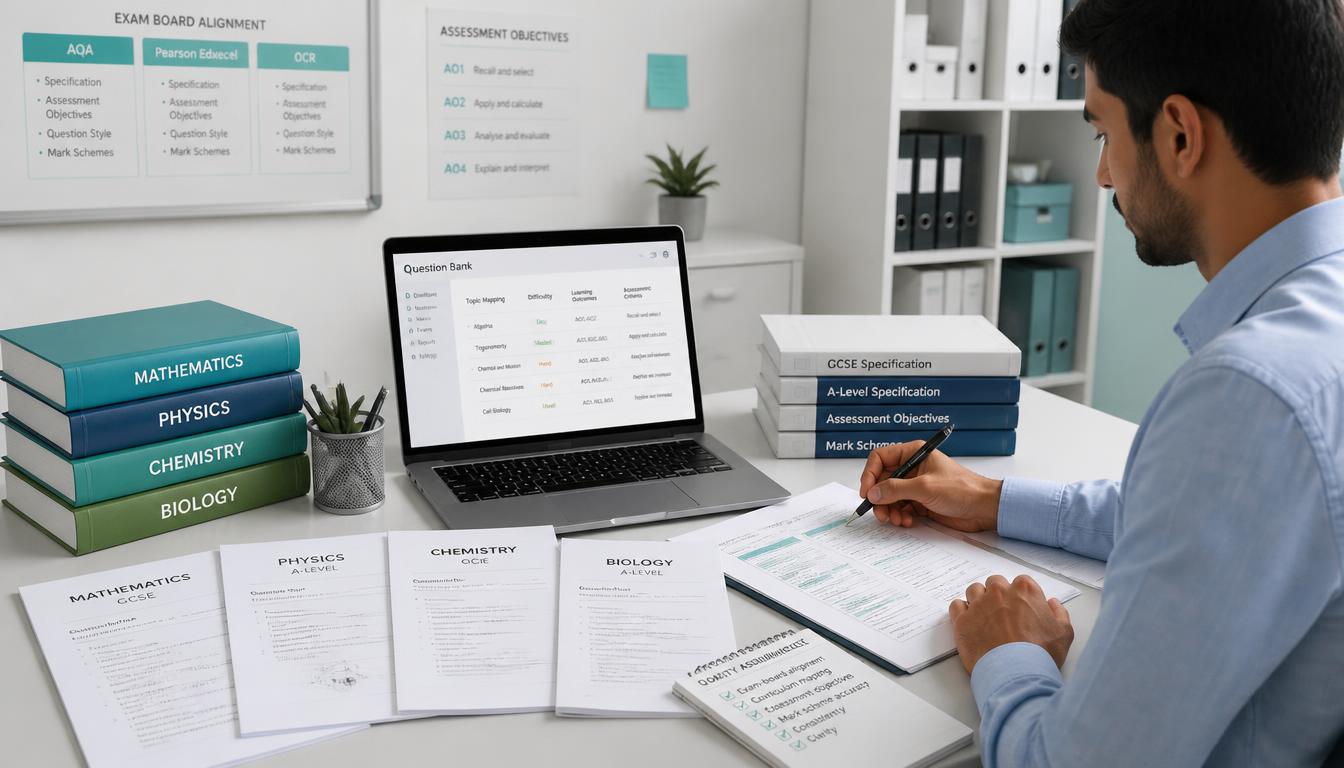
8. Design Assessments Around the Learning Objectives
Assessment should be planned alongside the curriculum rather than added after the content has been created.
Different objectives require different forms of assessment.
For example:
- Knowledge recall → quizzes or short-answer questions
- Conceptual understanding → explanations or application questions
- Problem-solving → case studies or structured problems
- Practical skills → demonstrations or simulations
- Communication → presentations or written assignments
- Complex application → projects or authentic tasks
This approach prevents the common problem of teaching one type of skill and assessing another.
9. Provide Useful and Timely Feedback
Feedback should help learners understand both what they did correctly and what they need to improve.
Depending on the course, feedback can be delivered through:
- Automated quiz feedback
- Explanations for incorrect answers
- Instructor comments
- Model answers
- Peer feedback
- Rubrics
- Worked examples
- Additional learning resources
Immediate feedback can be useful for many low-stakes activities, while more complex assignments may require detailed instructor or peer feedback.
10. Design for Accessibility From the Beginning
Accessibility should be incorporated during curriculum and course development rather than treated as a final technical check.
The W3C’s Web Content Accessibility Guidelines (WCAG) provide an international framework for making web content more accessible to people with disabilities.
WCAG 2.2 includes requirements and guidance covering areas such as keyboard accessibility, navigation, input methods, focus visibility, and accessible authentication.
For e-learning, accessibility considerations may include:
- Alternative text for meaningful images
- Captions for videos
- Transcripts for audio and video
- Keyboard-accessible interactions
- Sufficient colour contrast
- Clear heading structures
- Readable text
- Descriptive links and controls
- Compatibility with assistive technologies
- Accessible assessment interactions
Accessibility should also be tested with real users and assistive technologies where possible rather than relying solely on automated checks.
11. Make Navigation Consistent and Predictable
Learners should not have to spend unnecessary time figuring out how the course works.
A well-designed e-learning environment should provide:
- Consistent navigation
- Clear module and lesson names
- Visible progress indicators
- Predictable buttons and controls
- Clear instructions
- Easy access to relevant resources
- Logical movement between activities
A consistent structure also becomes particularly important when a course contains multiple content formats or is delivered across several devices.
12. Support Different Learning Environments
Not every learner will complete a course under the same conditions.
Some may study independently, while others may participate in instructor-led sessions.
Some may have reliable high-speed internet and modern devices, while others may have limited connectivity.
Curriculum developers should therefore consider whether content needs:
- Self-paced activities
- Live instruction
- Recorded sessions
- Downloadable resources
- Discussion activities
- Mobile-friendly content
- Offline alternatives
- Instructor support
- Asynchronous communication
The appropriate model depends on the learners and objectives rather than assuming that one delivery method will work for every course.
13. Use Technology to Support the Curriculum
Technology should be selected after the learning requirements are understood.
A useful process is:
Learning requirement → instructional approach → technology requirement → tool selection
For example, if learners need to practise a complex decision-making process, a branching scenario may be more appropriate than a standard video.
If learners need repeated knowledge practice, quizzes and retrieval activities may be sufficient.
The technology should solve an instructional problem rather than become the centre of the course.
14. Build Opportunities for Interaction and Community
E-learning does not have to mean learning alone.
Depending on the course design, interaction can take place through:
- Discussion forums
- Live classes
- Virtual office hours
- Peer reviews
- Group projects
- Instructor feedback
- Collaborative documents
- Online workshops
- Question-and-answer sessions
The level of interaction should match the learning objectives.
A self-paced compliance module may require limited interaction, while a professional skills programme may benefit substantially from collaboration and instructor support.
15. Use Analytics and Feedback for Continuous Improvement
Launching a course should not be considered the end of curriculum development.
After implementation, developers can examine information such as:
- Completion rates
- Assessment performance
- Drop-off points
- Time spent on activities
- Learner feedback
- Common incorrect responses
- Support requests
- Course satisfaction
- Achievement of learning outcomes
These insights can reveal where learners are struggling or where the course structure needs improvement.
Curriculum updates should be based on evidence rather than changing content simply because a course has been online for a certain period.
Tools for E-Learning Curriculum Development
There is no single best e-learning tool. The right technology depends on the course objectives, audience, delivery model, budget, technical environment, accessibility requirements, and content type.
1. Learning Management Systems
An LMS provides the environment in which courses can be hosted, organised, delivered, and tracked.
Common LMS options include:
- Moodle
- Canvas
- Blackboard
- Other institution-specific or commercial LMS platforms
An LMS may support functions such as enrolment, course organisation, assessments, learner progress, reporting, communication, and integration with other systems.
The choice should be based on the institution’s requirements rather than popularity alone.
2. E-Learning Authoring Tools
Authoring tools are used to create interactive digital learning content.
Articulate Storyline 360 supports interactive courses, assessments, scenarios, responsive delivery, captions, transcripts, and publishing for LMS environments using standards such as SCORM and xAPI.
Its current accessibility documentation also covers WCAG 2.2 and other accessibility requirements.
Adobe Captivate supports responsive e-learning, simulations, branching scenarios, conditional logic, and accessibility features.
Other authoring tools may be appropriate depending on the type of content, development workflow, technical requirements, and existing systems.
3. Video Creation and Editing Tools
Video can be useful for demonstrations, explanations, interviews, lectures, and practical instruction.
Video production may involve tools such as:
- Camtasia
- Adobe Premiere Pro
- Final Cut Pro
- Screen-recording software
- Built-in LMS recording tools
However, effective educational video depends more on instructional planning than on sophisticated editing.
A short, clearly structured demonstration may be more useful than a highly produced video that contains unnecessary information.
4. Assessment and Quiz Tools
Digital assessment tools can support formative and summative evaluation.
Depending on the LMS and course requirements, developers may use:
- LMS-integrated quiz systems
- Google Forms
- Microsoft Forms
- Quiz platforms
- Authoring-tool assessment features
- Dedicated assessment platforms
The important consideration is not simply whether a tool can create quizzes, but whether it supports the question types, feedback, reporting, accessibility, security, and assessment standards required by the curriculum.
5. Collaboration Tools
For courses involving group work or instructor interaction, collaboration tools can support communication and shared learning.
Examples include:
- Microsoft Teams
- Google Workspace
- Collaborative whiteboards
- Discussion forums
- Shared documents
These tools should be integrated thoughtfully so learners are not required to move unnecessarily between multiple platforms.
6. Interactive and Gamification Tools
Gamification can include points, badges, progress indicators, challenges, or leaderboards.
Interactive tools can also support polls, quizzes, branching activities, simulations, and other forms of participation.
However, gamification should not be included in every course. It works best when the mechanics reinforce the intended learning behaviour or provide useful practice and feedback.
How to Choose the Right E-Learning Tools
Instead of choosing tools based solely on their features, evaluate them against the needs of the curriculum.
Consider:
Learning Requirements
Does the tool support the type of learning activity required?
Accessibility
Can learners with different accessibility needs use the content effectively?
Do the tool and published course support appropriate accessibility standards?
LMS Compatibility
Can the content integrate with the institution’s existing LMS and reporting systems?
Mobile and Device Support
Does the content work appropriately across the devices learners are expected to use?
Scalability
Can the tool support the number of learners and courses the organisation expects to deliver?
Data and Privacy
What learner information does the platform collect, where is it stored, and how is it protected?
Ease of Maintenance
Can content be updated without rebuilding an entire course?
Cost and Licensing
Consider the total cost of ownership, including licences, implementation, training, maintenance, hosting, and support.
Common Mistakes in E-Learning Curriculum Development
Even well-intentioned e-learning projects can encounter problems when curriculum design and technology are treated separately.
Common mistakes include:
- Converting classroom lectures directly into online courses
- Creating content before defining learning objectives
- Using too much text without meaningful interaction
- Adding unnecessary animations or gamification
- Making courses difficult to navigate
- Treating accessibility as a final-stage task
- Using assessments that do not match the objectives
- Introducing too many digital tools
- Failing to provide learner support
- Ignoring mobile and low-bandwidth users
- Launching a course without a process for evaluating and updating it
Avoiding these problems starts with instructional and curriculum planning before production begins.
A Practical E-Learning Curriculum Development Process. A structured workflow can make development more efficient and improve consistency.
Step 1: Analyse the Learners and Requirements
Identify the target learners, goals, prerequisites, delivery environment, accessibility requirements, and technical constraints.
Step 2: Define Learning Outcomes
Establish what learners should know, understand, or be able to do.
Step 3: Build the Curriculum Structure
Organise learning outcomes into modules, lessons, activities, and assessments.
Step 4: Select Instructional Strategies
Decide where to use explanations, demonstrations, scenarios, practice, collaboration, simulations, projects, or other approaches.
Step 5: Develop the Content
Create scripts, learning materials, activities, assessments, graphics, videos, and other resources.
Step 6: Integrate the Technology
Build or configure the content in the selected authoring tools, LMS, and supporting platforms.
Step 7: Conduct Quality Assurance
Review the course for:
- Accuracy
- Curriculum alignment
- Instructional quality
- Grammar and consistency
- Functionality
- Navigation
- Accessibility
- Assessment accuracy
- Device compatibility
Step 8: Pilot and Gather Feedback
Where practical, test the course with representative learners, instructors, or reviewers before wider deployment.
Step 9: Launch and Monitor
Track learner progress, assessment results, technical issues, and feedback.
Step 10: Improve and Update
Use evidence from the course to revise content, activities, assessments, and technology when necessary.
How Vaidik Eduservices Supports E-Learning Curriculum
Development
Developing a complete e-learning curriculum can require expertise across curriculum design, instructional design, subject-matter expertise, content development, assessment, multimedia, accessibility, and quality assurance.
Vaidik Eduservices provides educational content and curriculum development services for organisations developing structured learning programmes and digital education resources.
Its approach can support areas such as curriculum architecture, learning pathway design, course and module content, assessment development, digital learning resources, instructional design, and quality review.
For organisations developing e-learning at scale, this type of integrated support can help connect curriculum requirements with the content and technology used for delivery.
Conclusion
Effective e-learning curriculum development starts with instructional needs, not technology.
A successful digital curriculum requires a clear understanding of its learners, measurable learning outcomes, logical curriculum mapping, appropriate instructional strategies, meaningful assessment, useful feedback, accessibility, and a carefully selected technology environment.
Tools such as LMS platforms, authoring software, assessment systems, video tools, and collaboration platforms can make digital learning more flexible and interactive, but their value depends on how well they support the underlying curriculum.
By combining sound curriculum design with appropriate technology, regular evaluation, and continuous improvement, educators and learning organisations can create e-learning experiences that are structured, accessible, practical, and focused on meaningful learning outcomes.